Sep 15, 2026Comparisons
5.0 rating on WordPress.org
2000+ WordPress websites already using the Free MCP Plugin for WordPress — WSP MCP
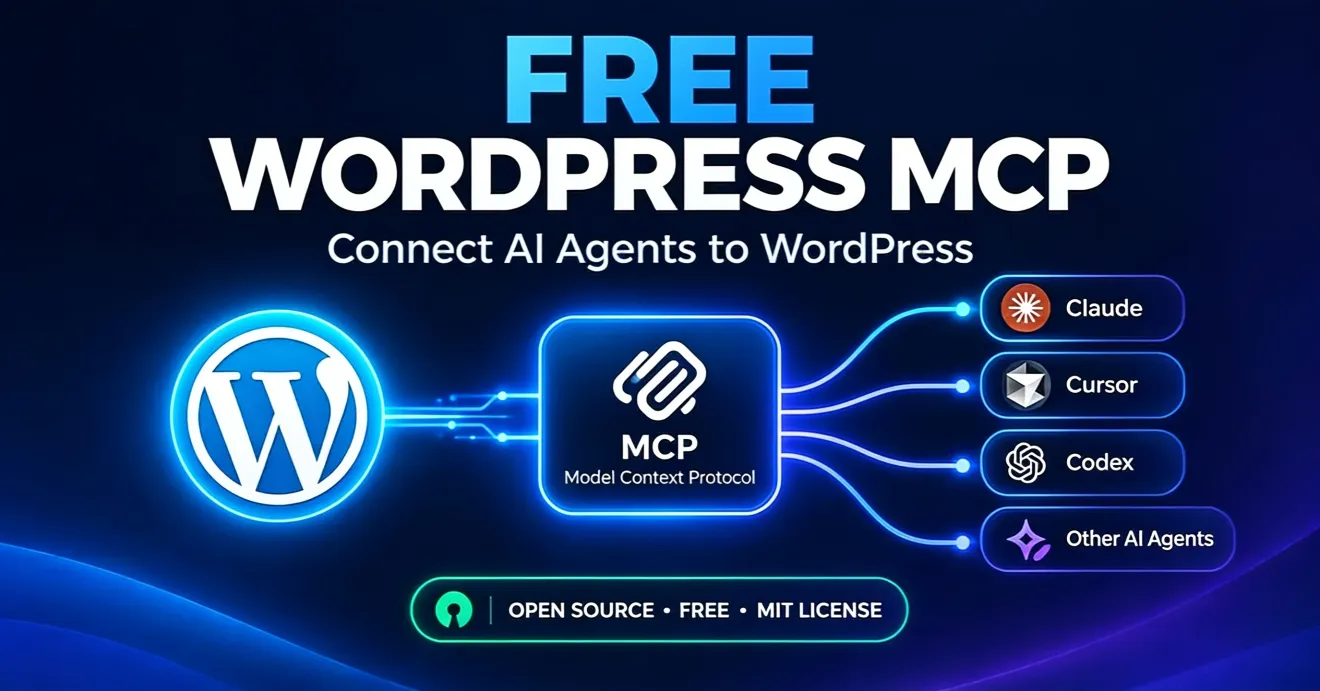
WSP MCP — Free MCP Plugin for WordPress . Connect Any AI Agent.
Ask Claude, Cursor, Codex, Google Antigravity, OpenClaw, OpenCode or any MCP-compatible AI to improve your SEO, write posts, update pages, or manage your site — and watch it happen, live, on your WordPress dashboard.
$0MIT licensev2.9.5250+ abilities
Genuinely useful bridge between an AI agent and WordPress
“The CRUD abilities for posts, pages, and SEO fields work exactly as documented, and the granular per-ability toggle system is the right way to do this — it gave me confidence to actually turn it on.”
The time-saver is finally here!
“Now I just give Claude a doc with an image, and it automatically selects the category, sets the SEO title and meta description, all without me touching the WP dashboard.”
Finally – a native, no-compromise MCP server for WordPress
“The built-in native MCP server is the killer feature. No WordPress MCP Adapter, no external services, no Docker containers. It just works.”
Much needed AI MCP connector plugin
“Easy to install and configure. It offers a practical way to connect AI clients with WordPress and includes useful controls for managing access.”
Simple and reliable plugin
“Provides useful features, has a simple interface, and makes the overall experience more convenient. A solid and reliable plugin.”
What is a WordPress MCP plugin?
A WordPress MCP plugin turns your WordPress site into a Model Context Protocol server, so AI clients like Claude, Cursor and Codex can connect directly to it. Instead of generating text you copy and paste, the AI reads and edits your actual posts, pages, media and SEO metadata through a permission-controlled connection.
Why does MCP matter for WordPress?
The Model Context Protocol is an open standard for connecting AI clients to external tools. One MCP server works with every MCP-compatible client, so your site becomes something the AI can act on directly — no separate integration per AI tool, no copy-pasting between a chat window and the WordPress editor.
Is a free WordPress MCP plugin safe to use?
Safety comes from WordPress's own permission system, which applies to every action the AI takes. You choose which user the AI acts as, toggle each ability on or off individually, and can revoke access at any time. Every tool call is recorded in a self-hosted audit log, and the plugin is MIT-licensed and open source.
What's New in Version 2.9.5
OAuth Connector for Claude
Add your site URL as a custom connector in claude.ai, Claude Desktop or Claude mobile and sign in on your own WordPress login page — no config file, no API key, no header.
Configuration Generator
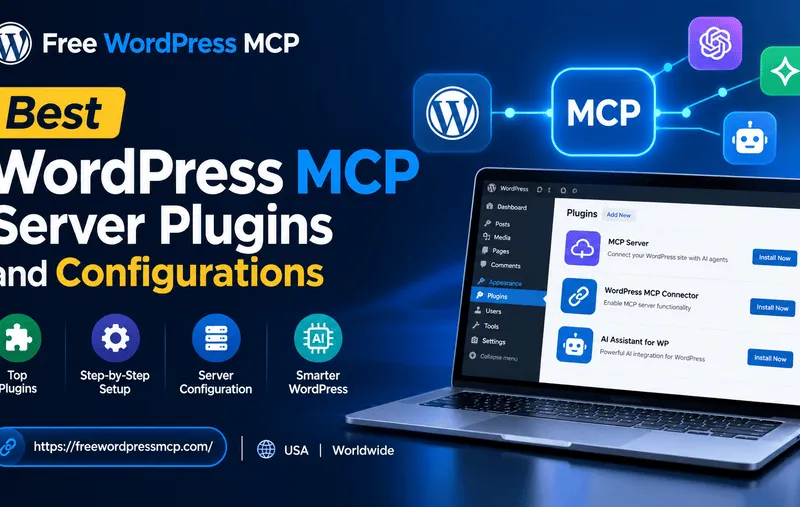
Pick your client — Claude, Cursor, Codex, Google Antigravity, OpenClaw or OpenCode — and copy or download a ready-made config. Cursor gets a one-click connector that installs the server for you.
Per-Ability Switches
250+ abilities, each with its own on/off toggle. Write abilities start disabled, capability checks run on every object, and the AI can never do more than the WordPress user it acts as.
Full Audit Log
Every tool call is recorded in your own database — tool, time, user, IP, outcome — with a filterable browser in the admin and automatic 90-day pruning.
Analytics & Performance Dashboard
Total requests, most-used tool, average response time and error rate at a glance, plus a per-category usage breakdown and a recent-requests performance log.
Auto-Detecting Integrations
WooCommerce, Yoast SEO, Rank Math, Advanced Custom Fields, Elementor, Gravity Forms, Contact Form 7 and WPForms — detected automatically, each adding its own abilities.
Why This Plugin, When There Are Others?
Actually Free Forever
No freemium tier, no 'Pro' upsell, no usage limits hiding behind an API key. Released under the MIT license on GitHub.
Video-Guided Setup
Every release ships alongside a tutorial on a channel with 150K+ subscribers. When something breaks, the fix usually lives in a video.
Works With Whatever AI You Use
Built on the open Model Context Protocol over Streamable HTTP. Claude, Claude Code, Cursor, Codex, Google Antigravity, OpenClaw, OpenCode — if it speaks MCP, it speaks to your WordPress.
Built By a Working Agency
WebSensePro runs real client WordPress sites. The plugin solves problems we hit in production — not lab demos.
Permission-Controlled by Design
WordPress's own permission system applies to every action. Write abilities are off by default and every tool call is logged.
250+ Abilities and Growing
Posts, pages, custom post types, media, menus, themes, plugins, block templates, widgets, site health, WooCommerce store management, Yoast SEO, Rank Math, ACF, Elementor, Gravity Forms, Contact Form 7 and WPForms — auto-detected and ready to enable.
MCP session · WordPress
›
"Improve the SEO on my About page."
Rewrites the meta description, tightens the page title, adds missing image alt attributes, and surfaces a diff in your dashboard for approval.
›
"Draft a blog post about our new pricing."
Pulls recent posts as a tone reference, drafts the article as a draft post, applies your default category and tags, ready to review and publish.
connected · write abilities: enabled by you
You Ask. Your Site Responds.
No copy-pasting between a chat window and the WordPress editor. Type a plain-English request and watch the AI act on your live site.
"Improve the SEO on my About page."
Rewrites the meta description, tightens the page title, adds missing image alt attributes, and surfaces a diff in your dashboard for approval.
"Draft a blog post about our new pricing."
Pulls recent posts as a tone reference, drafts the article as a draft post, applies your default category and tags, ready to review and publish.
MCP session · WordPress
›
"Find every page that mentions our old phone number."
Scans pages and posts, reports each match with a preview, and edits them in place when you confirm — no scripts, no SQL queries.
›
"What's slowing down my homepage?"
Inventories active plugins, image sizes and large embeds, then suggests specific changes the AI can apply for you, one at a time.
connected · write abilities: enabled by you
Real Actions, Not Just Suggestions
The AI reads and edits your actual posts, pages, media and settings — through a permission-controlled connection you can revoke at any time.
"Find every page that mentions our old phone number."
Scans pages and posts, reports each match with a preview, and edits them in place when you confirm — no scripts, no SQL queries.
"What's slowing down my homepage?"
Inventories active plugins, image sizes and large embeds, then suggests specific changes the AI can apply for you, one at a time.
Three Minutes to a Connected AI Agent
Step 01
Get the PluginDownload the Plugin
Download the free WordPress MCP plugin from the WordPress.org directory, or grab the release zip from GitHub. No account required.
Step 02
See the TutorialUpload to WordPress
Go to Plugins → Add New → Upload Plugin, pick the zip file, install it and activate it.
Step 03
Browse AbilitiesConnect Your AI Client
Open MCP → Connection, pick your client in the Configuration Generator, and copy or download the ready-made config. Claude connects with just your site URL via OAuth; Cursor has a one-click connector.
Step 04
Read the FAQAsk Your First Question
Restart your AI client and type a prompt such as "List my five most recent posts." An accurate answer confirms the connection is working.
Watch First — Three Minutes From Install to First Prompt
A walkthrough of installing the plugin, connecting an AI client, and running your first command — no prior MCP knowledge assumed.
Connect Claude AI to WordPressConnect Codex to WordPressConnect Google Antigravity 2.0 to WordPressConnect Cursor AI to WordPress
More tutorials drop weekly on youtube.com/websensepro
Guides on WordPress + AI Agents
Sep 11, 2026Comparisons
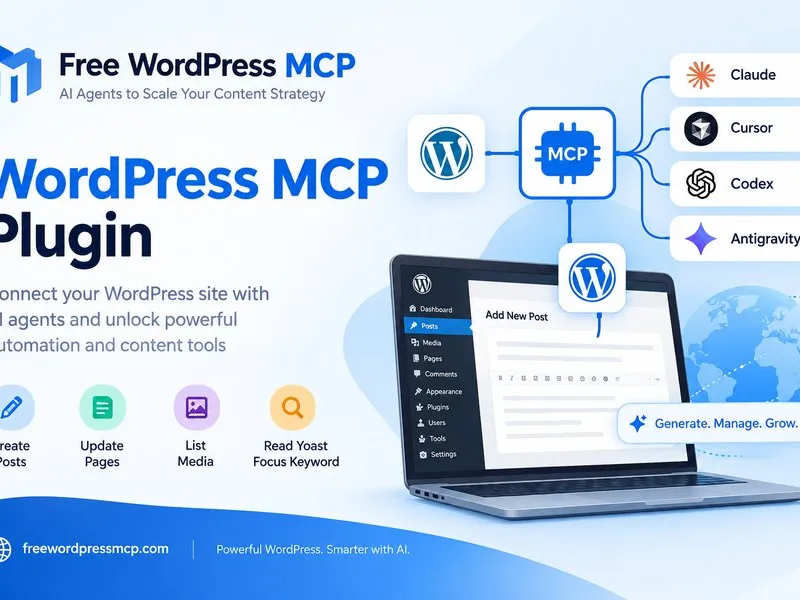
Best WordPress MCP Plugin for Claude AI Integration
Read MoreRead more about best wordpress mcp plugin for claude ai integration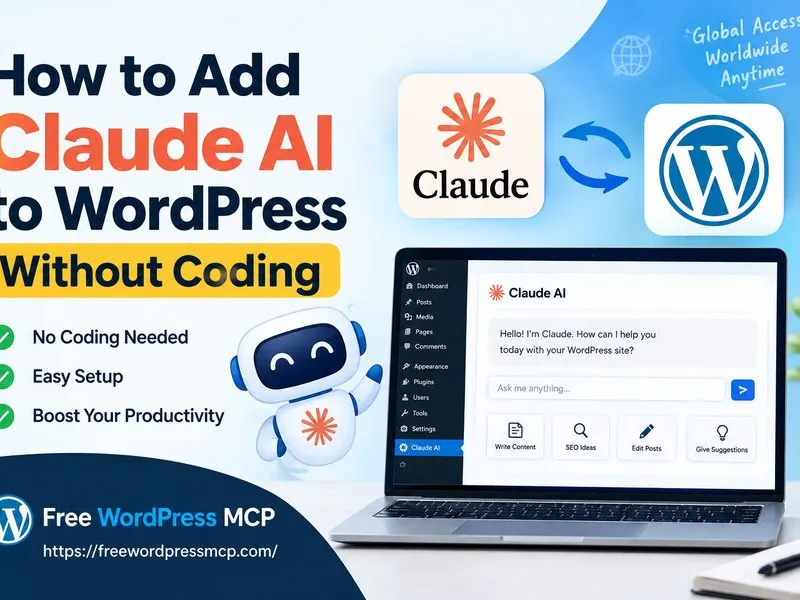
Sep 08, 2026Tutorials
How to Add Claude AI to WordPress Without Coding
Read MoreRead more about how to add claude ai to wordpress without codingFrequently Asked Questions
Answers about the WSP MCP plugin, safety, and which AI agents it works with.
Yes. It is free and open source under the MIT license. There is no paid tier, no feature gate and no premium upsell. The full source is available on GitHub and you are free to fork it.
Ready to Connect Your AI Agent to WordPress?
Free forever. No account, no API key, no usage limits.
Download the plugin and be connected in about three minutes.